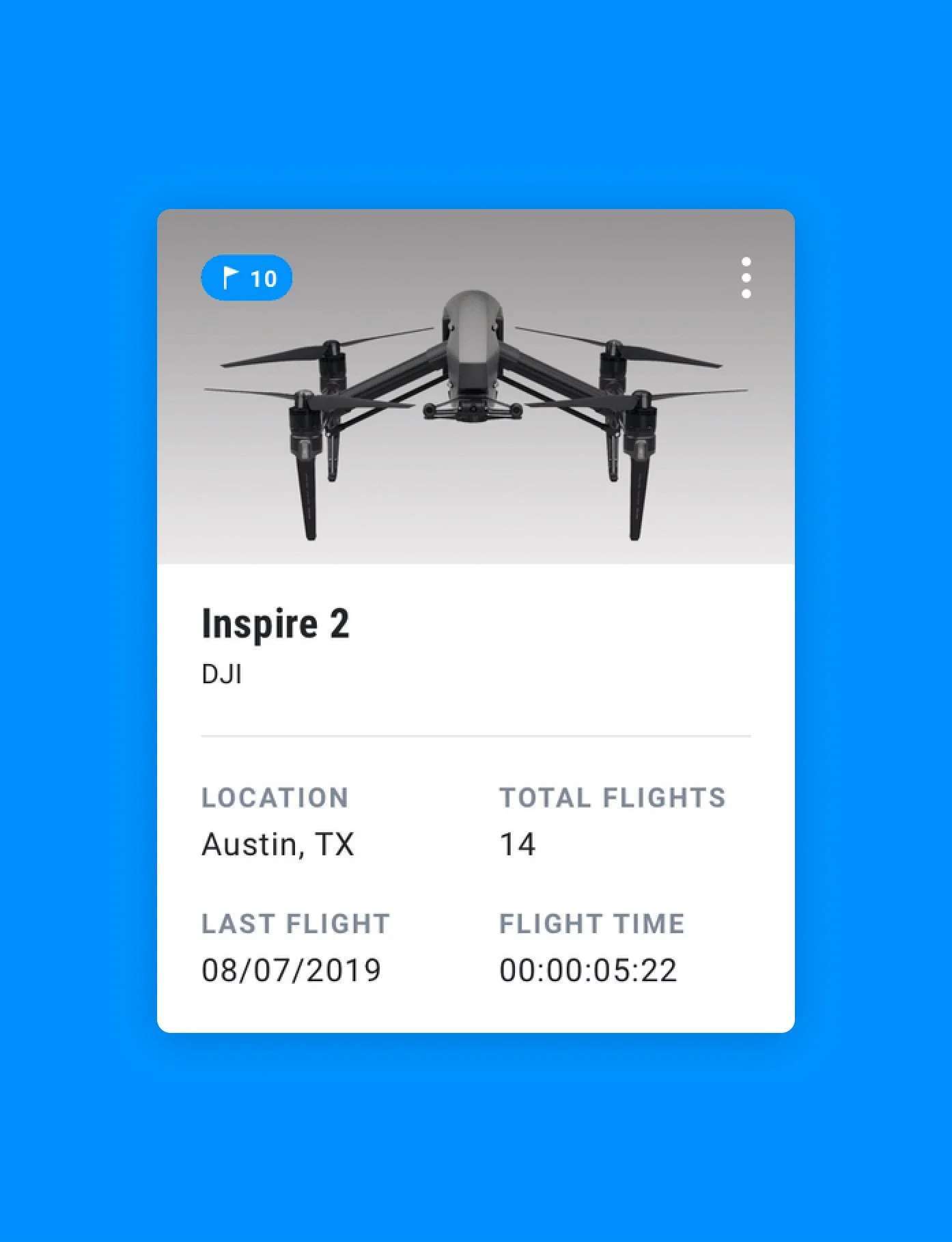
DroneSense
An intuitive product experience and scalable information architecture allows for flexibility across organizations of all sizes.
Deliverables
Stakeholder interviews, Competitive landscape, User interviews, Problem definition, Insights and experience principles, Service blueprint, Concept workshop, Future-state customer journeys, Product roadmap, Experience scorecard
The Challenge
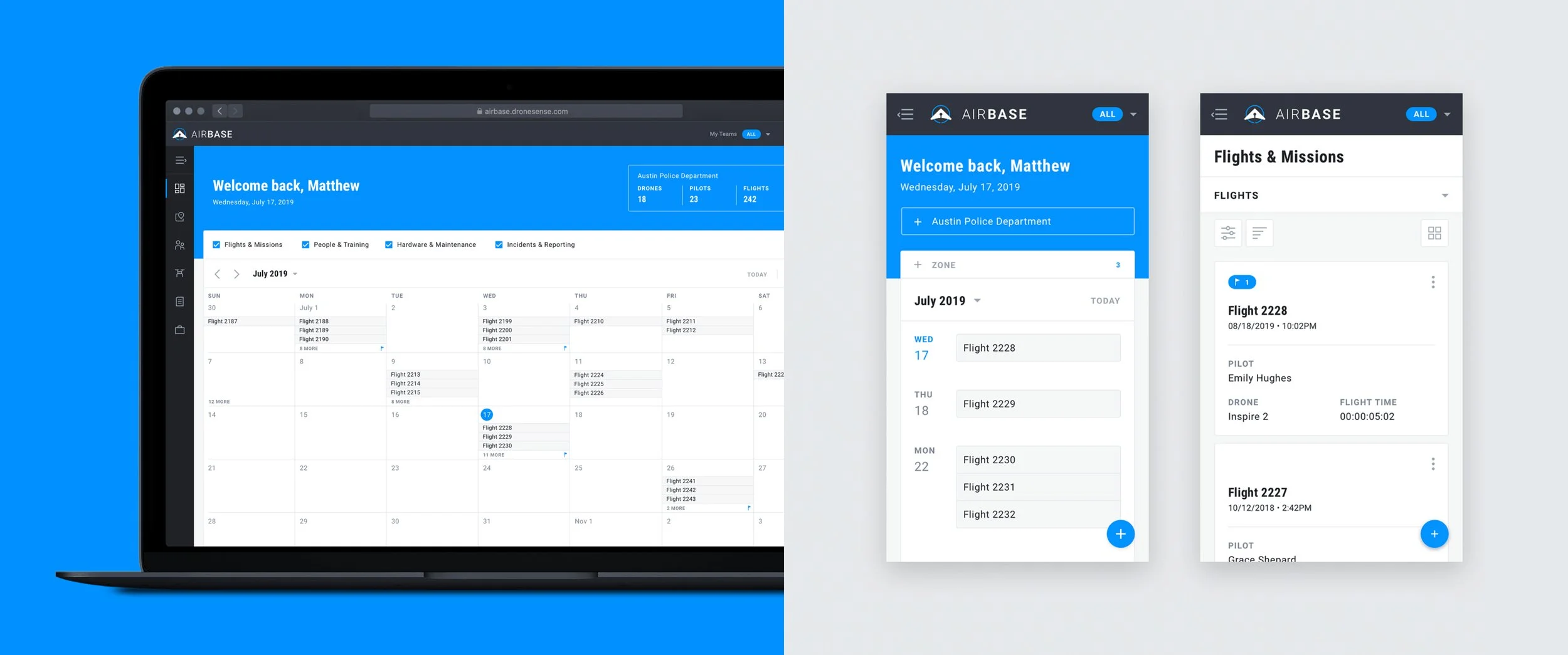
DroneSense is a software platform that allows public safety organizations to manage drone programs including, flight records, pilots, maintenance, and training. In order to scale the platform to meet the needs of larger organizations, DroneSense needed to redesign their existing application for an expanded set of user types and overhaul their information architecture (IA) to accommodate a complex set of roles and permissions. We were tasked with launching a fully responsive web application in under 12 weeks.
The Approach
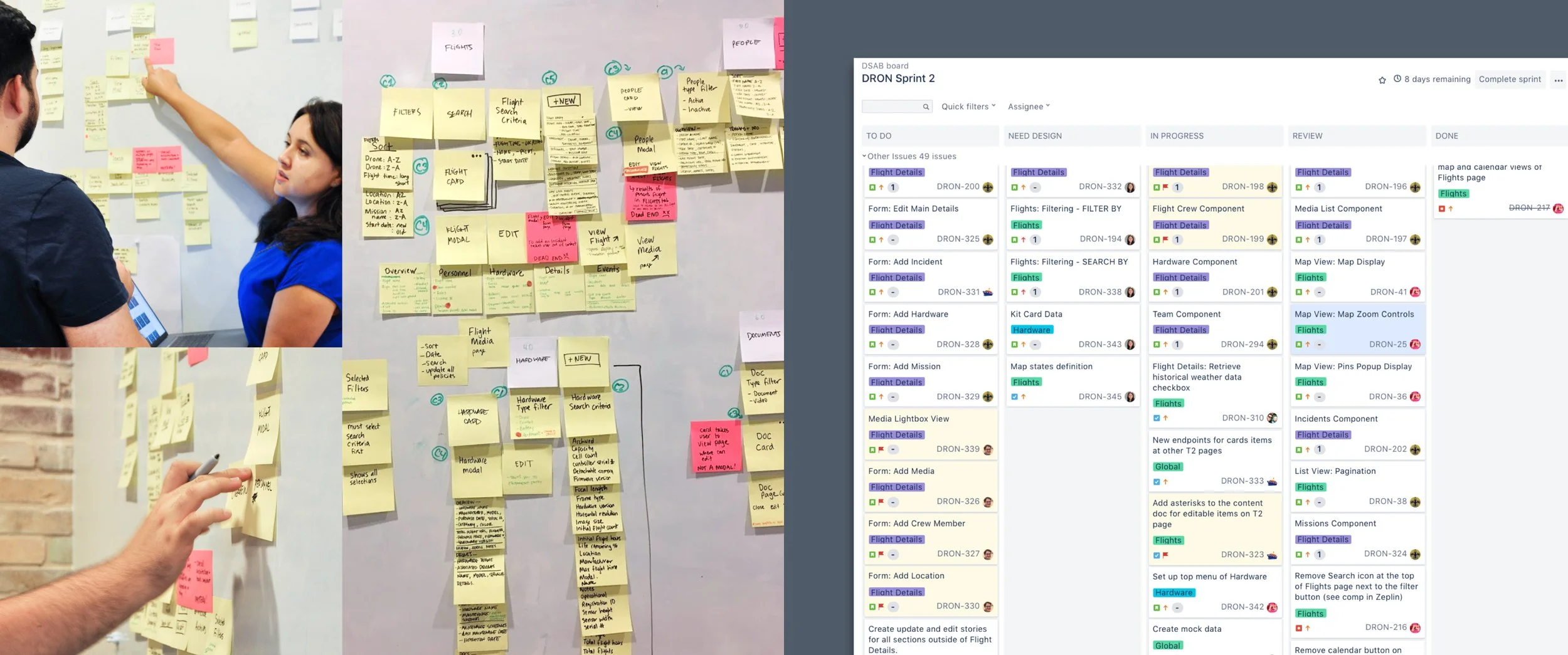
We kicked off the project by partnering with our client to define our user scenarios, document product requirements, and conduct a comprehensive audit of the current application. This exercise highlighted that the existing product’s UX, IA, and interaction patterns were not conducive to a mobile-first experience, which was critical to users in the field.
Simplifying the Navigation
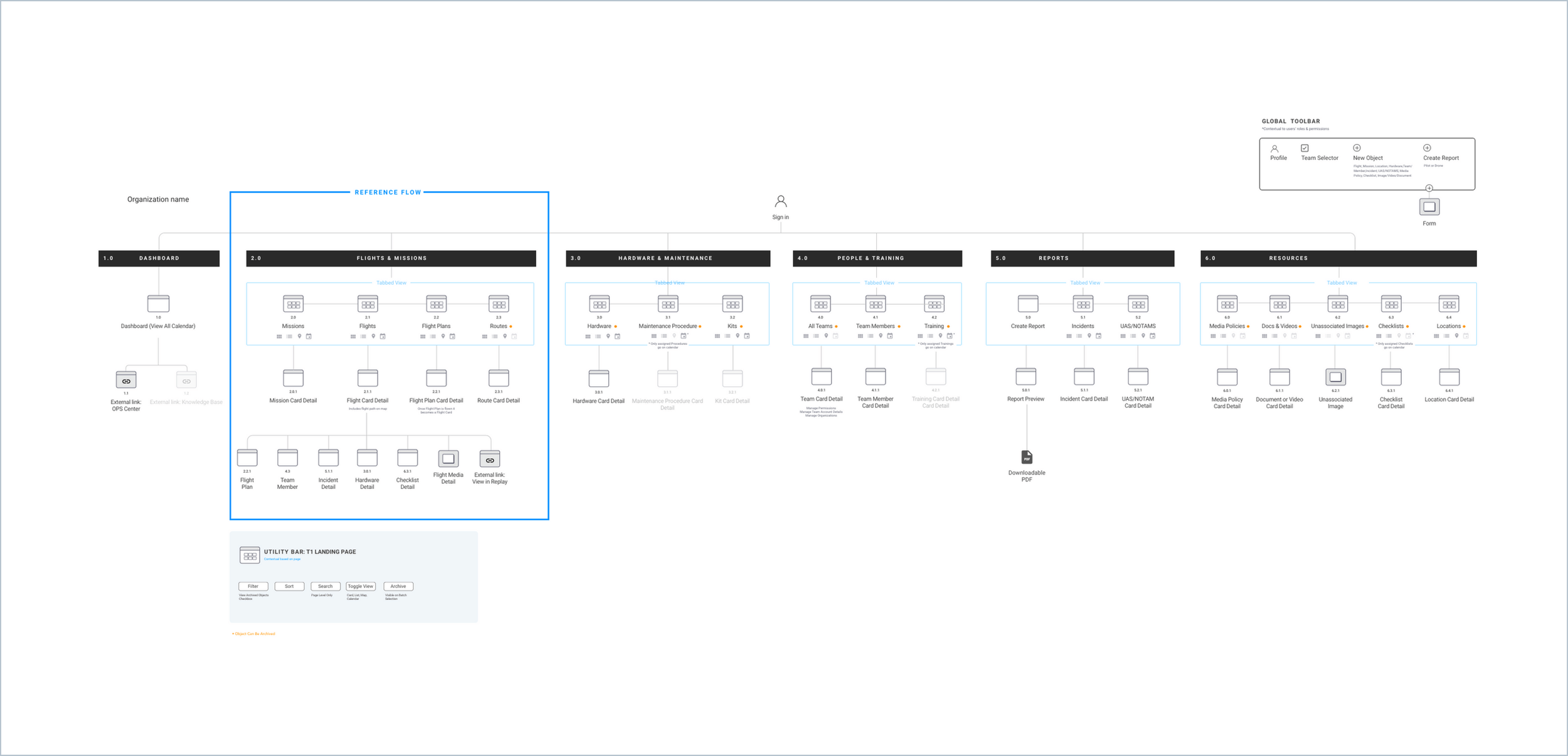
The new information architecture streamlined the existing navigation from thirteen items to six. By synthesizing content into meaningful groups and establishing a repeatable page structure, we were able to focus our UX/UI efforts on delivering page templates that the engineering team could use to launch the new product quickly.
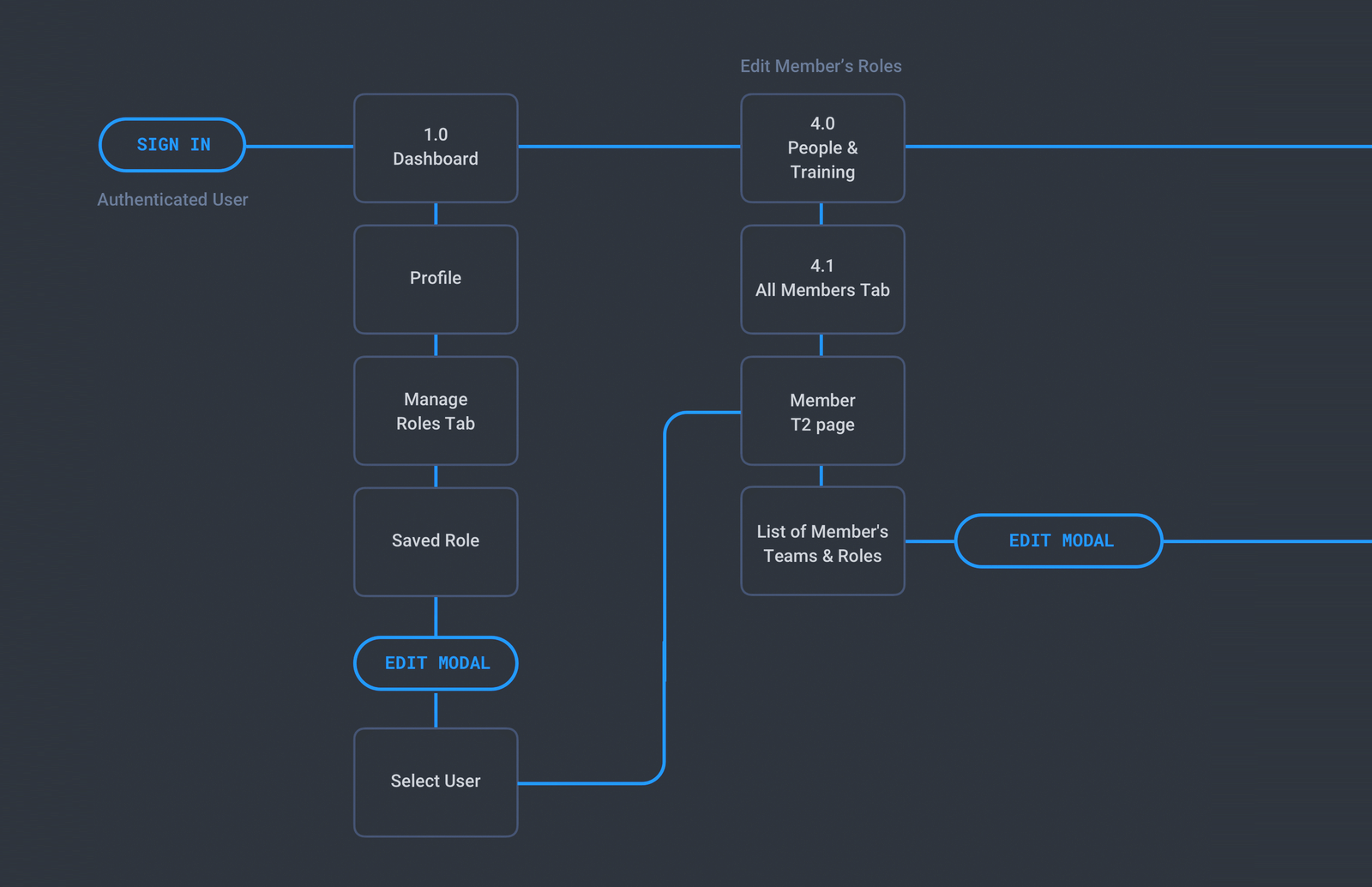
USER FLOWS
We mapped the steps a user takes to accomplish role-based tasks. This enabled the team to quickly document a full set of need statements and prioritize the backlog for launch.

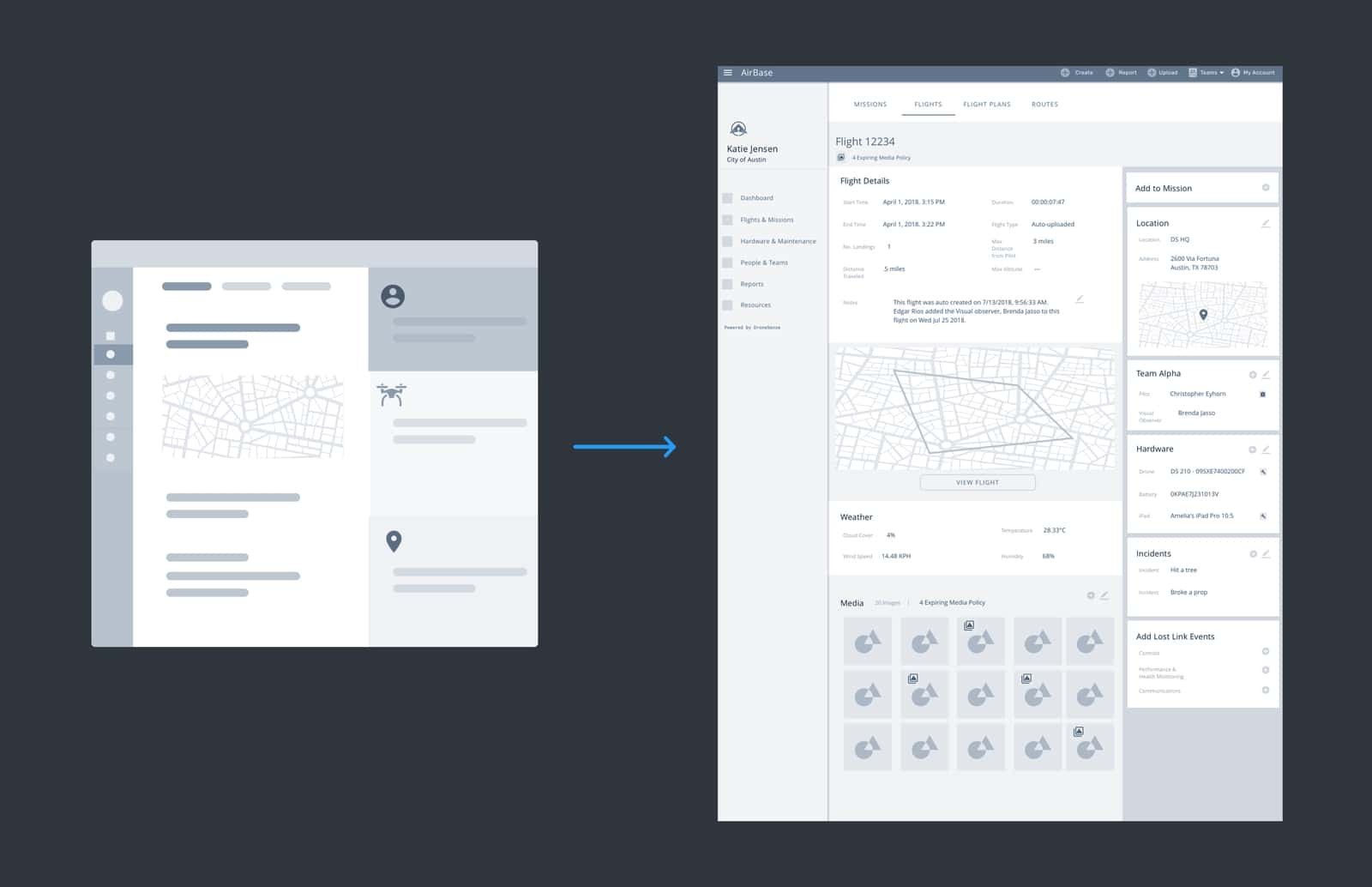
WIREFRAMES
We used low-fidelity wireframes to explore a variety of interaction models to present to the client and test with users.
LAYOUT STRUCTURE
An isometric diagram was developed to help the team validate the scalability of the navigational hierarchy and UX framework. It also informed the interactive behavior of components across the design system.
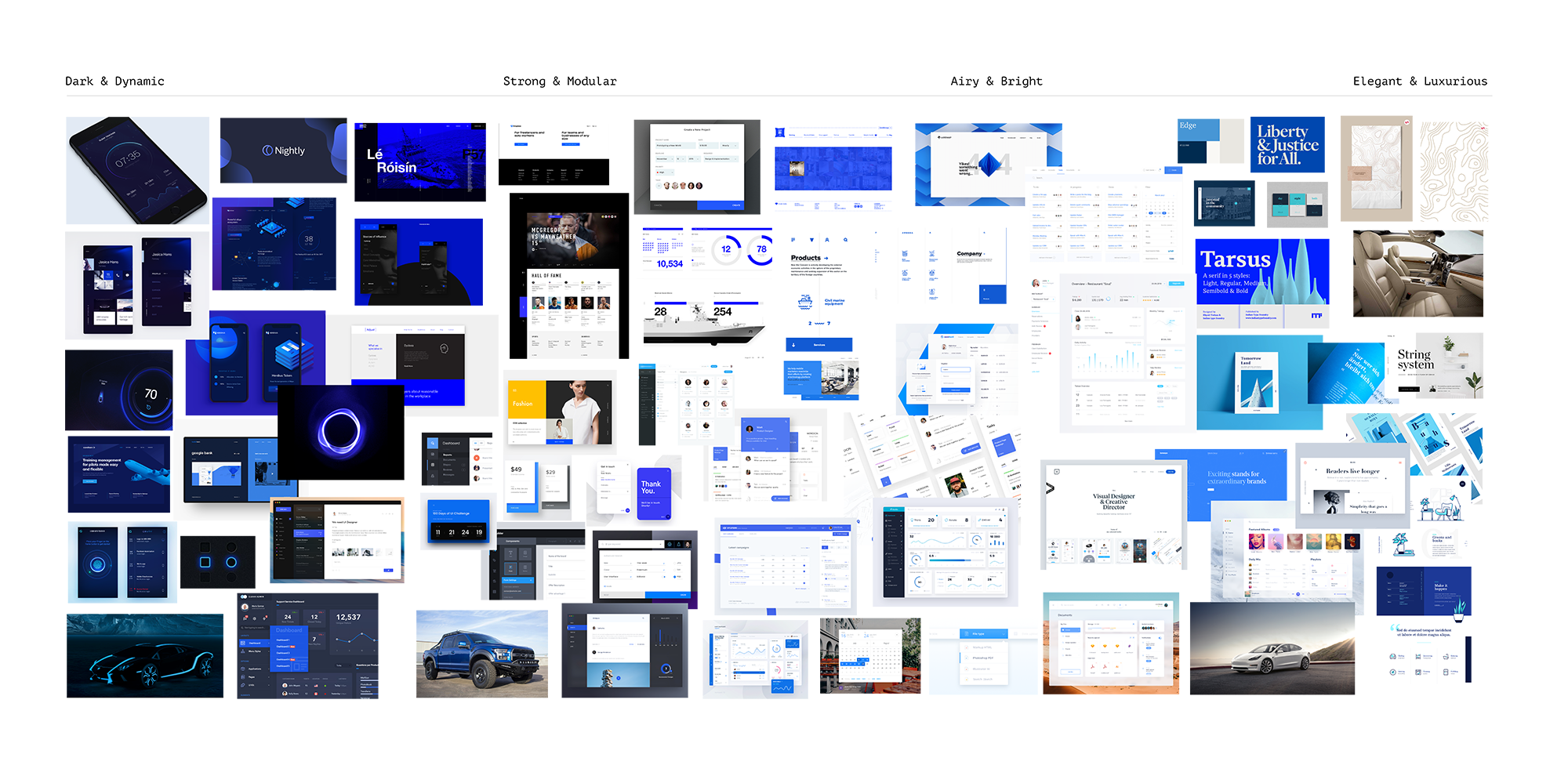
Setting the Mood
As part of our effort to modernize the DroneSense platform, we gathered an array of visual inspiration taken from photos, dashboards, UI controls, and even car interiors. We then curated the images into distinct visual directions spanning from dark & dynamic to elegant & luxurious.
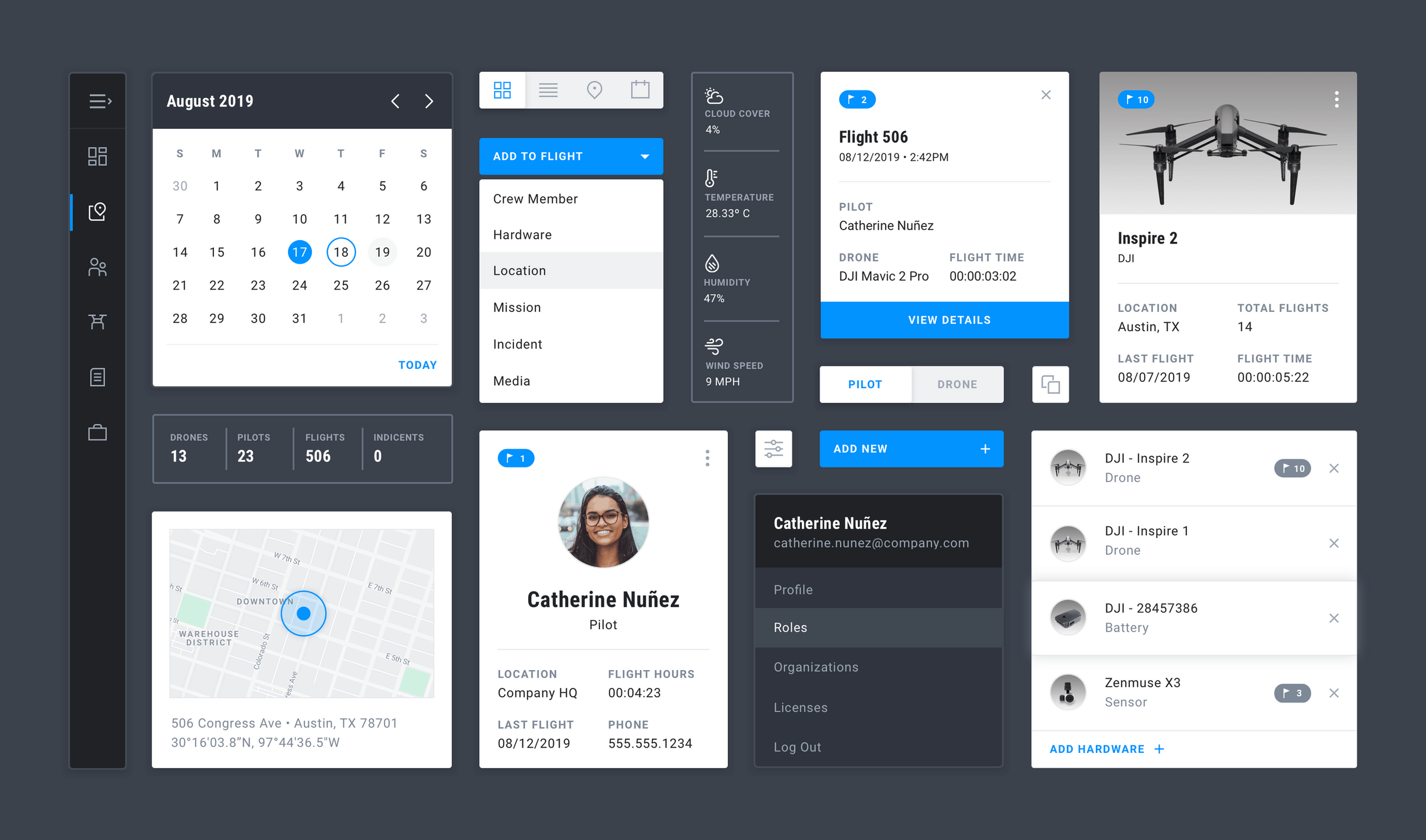
DESIGN LANGUAGE
The new design language was made up of color blocks and bold typography that improved the usability and scaleability of the design system across mobile, tablet, and desktop.
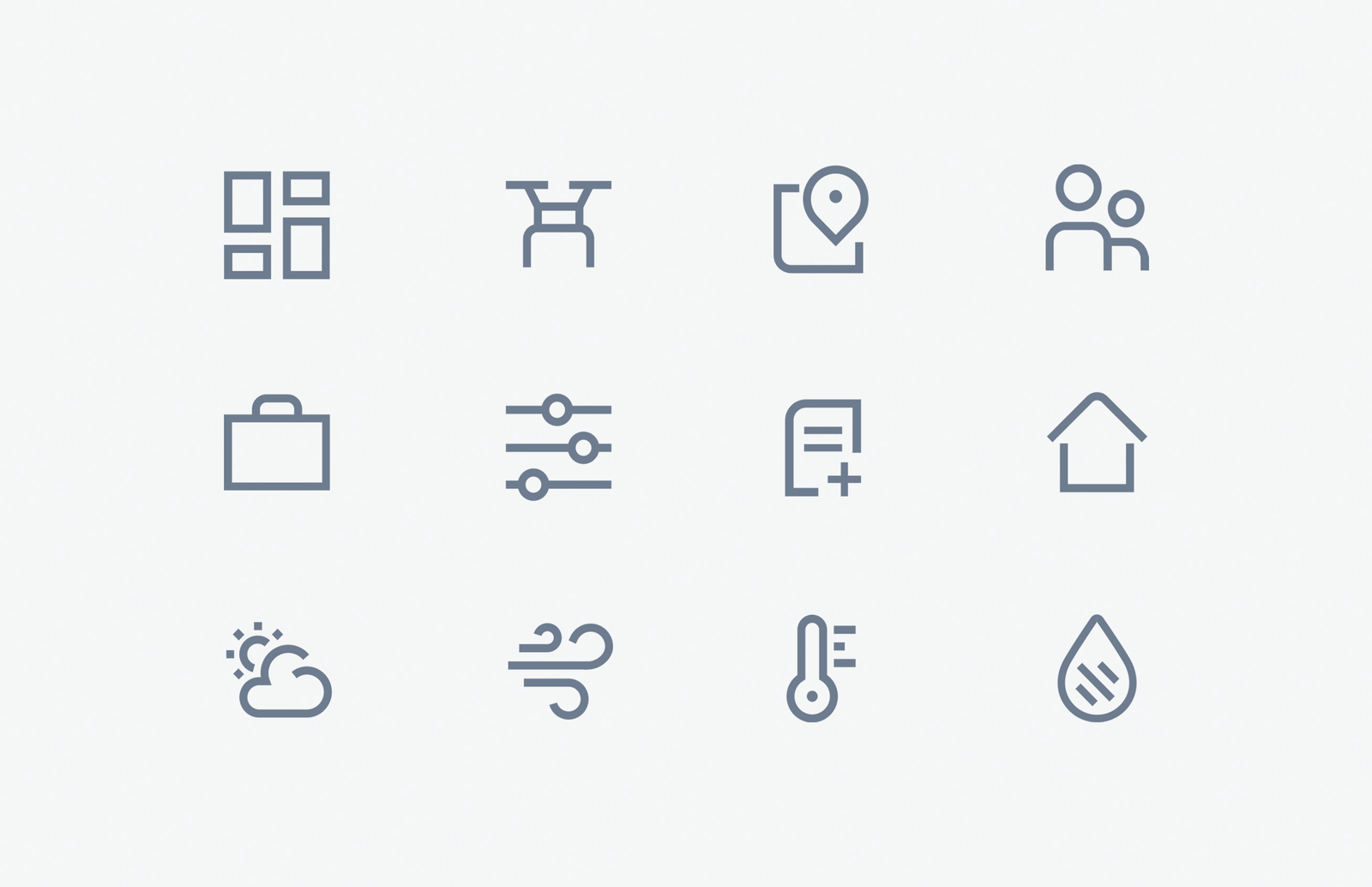
We styled the navigation, cards, buttons, calendar controls, and designed custom iconography to complement the modularity and strength of the system.
A Simple, Responsive Framework
The final designs included page templates for both web desktop and mobile, user flows, a simple and flexible IA structure, and a library of components that used the new design language.